
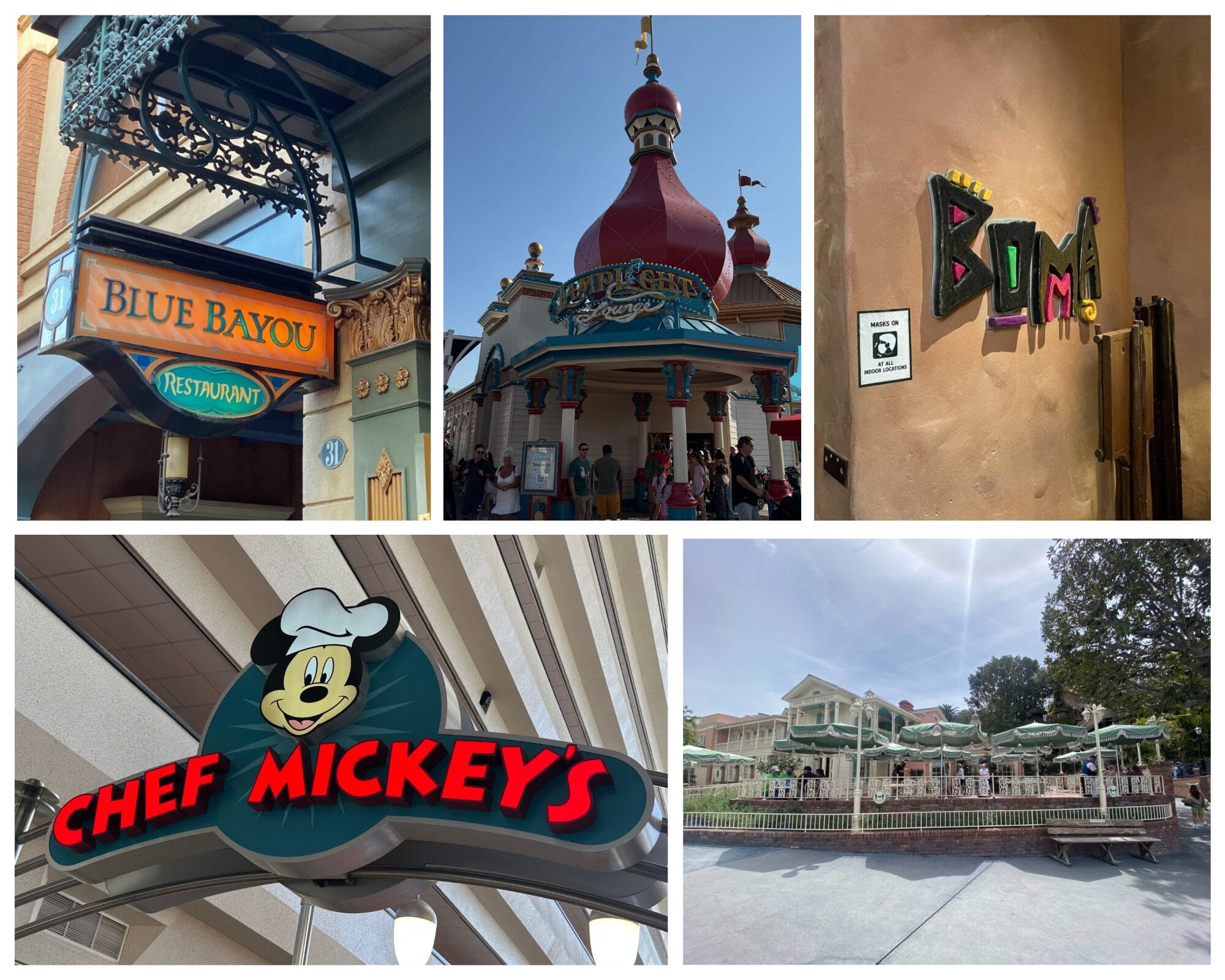
With close to 200 table service options between both Walt Disney World and Disneyland, it can be hard to choose where to spend your time and money during a Disney Vacation. It can also be confusing and difficult to snag reservations for your desired meal — especially at some of the more high-demand locations. We have compiled a guide to booking dining reservations for you to review when planning your upcoming Disney Vacation.
How to Make Disney Dining Reservations
Disney World Dining Reservations


With over 100 dining locations that accept reservations, there is something for every guest visiting Walt Disney World. From classic and iconic locations like Chef Mickey’s and ‘Ohana to more unique offerings like Boma and those at other Disney Resort locations, there are seemingly endless options for your traveling party at breakfast, lunch, and dinner. There are even more Quick Service locations at Walt Disney World, but we know that sometimes you just want to sit down, relax, and have a more slow-paced dining experience. In most cases, to do that, you need a dining reservation. Keep reading for a look at how to secure reservations at Walt Disney World.
What time do Disney dining reservations open?

Reservations for table service restaurants open 60 days in advance of your visit at around 6:00 a.m. EST daily, although it is best to start trying around 15 minutes earlier. If you are staying at a Disney Resort, you can book reservations for up to 10 consecutive nights on your 60-day mark. If you are staying off-property, you can still book 60 days in advance but only one date at a time.
How to make reservations at Disney World restaurants?

Back in June of 2025, the Walt Disney World Dining Reservation platform got a major update. Reservations can be made through the resort’s website and My Disney Experience app by searching for the specific location or navigating to the “Things to Do” section and selecting “Make Reservations.”

After selecting your date range, times, party size (including infants), and location(s), all available restaurants will populate for you to browse. You can then select time ranges, like “All Day” or “12:00 PM – 4:00 PM.” The search will also show specific reservation times available for each selected date. For this purpose, we will look at dates available at Chef Mickey’s.

Once you find a time that works for your plans, you will click it and be taken to a page to review reservation information along with Dietary and Accessibility Requests, if applicable. Once that is set, click continue to enter personal information and the Credit Card Guarantee. Most reservations do not require a fee when booking.

With the update, you can now also view a calendar of available dates when searching for dining at a specific restaurant. You can navigate to this page by simply typing the restaurant’s name into the website or app search bar.


Dates with a green dot have reservation times available. Dates with a gray symbol have no reservations. You can select a range of up to 10 dates to search. Available times for each date will then pop up. Once you select a time, you will continue booking the reservation.
The system looks similar in the My Disney Experience app.


When searching multiple restaurants, there are now date range and time range selections. Like searching for an individual restaurant, you can select up to 10 days to search. You can then select any time range from 6 a.m. to midnight.

After selecting a date and time range, you can select “All Destinations” or “Filter by Area.” Filtering by area means searching the area of a theme park or Disney Springs. You can select just the park and/or “Nearby Resorts.”

You are then shown all the available restaurants in that date and time range, just as with the full website. Along the top of the page, guests can select different dates. Clicking “Check Availability for Multiple Days” will take them to that restaurant’s specific search. If a location and time match up with your plans, you will complete the reservation process, which also looks the same as with the website.
What Disney World restaurants need reservations?

Any Table Service Restaurant and some lounges around the Walt Disney World parks, resorts, and Disney Springs accept reservations. You can view a full list in the “Things to Do” tab of the website by selecting “All Dining.” You can then limit the list to“Reservations Accepted.”
Can you eat at Disney restaurants without reservations?
Absolutely! Many Walt Disney World Table Service locations have Walk-Up lists that you might be eligible to join if close enough to the restaurant or lounge.

In the My Disney Experience app, search for the location you would like to dine at. If the location offers Walk-Ups, there will be a link for that option. Once clicked, the app will inform you if Walk-Ups are currently available for your party size and an estimated return time. If you decide to join the list, you will receive a text when your table is ready.
If you just happen to be in the area and Walk-Up is not available in the app, it doesn’t hurt to ask the host or hostess at the location. If anything is available, they will try to accommodate your request.
Can you cancel Disney restaurant reservations?

Yes, you can cancel or modify your dining reservations. Read the excerpt from the Walt Disney World website below:
Restaurants offering advance reservations do not allow modifications within 2 hours of the reservation time, and most charge a $10 per-person fee to cancel within 2 hours of the reservation time, or if you don’t show up for your reservation. Each restaurant’s policies are provided when you make your reservation. If you’ve already booked, the policies can be found in your confirmation email.
Some dining locations and experiences may have different policies, so it is important to check your confirmation email or call (407) WDW-DINE or (407) 939-3463 for assistance.
If an emergency occurs and you are unable to make your reservation on short notice, we recommend calling the number above or visiting the location, if possible, to let Cast Members know. They might be able to waive the fee or modify the reservation for you outside of the typical restrictions.
Disneyland Dining Reservations

Compared to the over 100 locations at WDW, Disneyland has roughly 30 dining locations across both parks, resorts, and Downtown Disney. Some of the most popular offerings include Blue Bayou and Carnation Cafe at Disneyland Park. Disney California Adventure also boasts some popular options like Lamplight Lounge and Carthay Circle.
What time do Disneyland dining reservations open?

Just like Walt Disney World, Reservations are offered up to 60 days in advance at select restaurants throughout the Disneyland Resort and, due to limited availability, they are highly recommended. Reservations typically open at 6 a.m. PT. Again, we do recommend logging in to check around 15 minutes earlier. The same 10 day availability rule works for guests staying on property and those with a Good Neighbor Hotel Package.
How to make reservations at Disneyland restaurants?

The good news is that once you have learned either the Walt Disney World or Disneyland Dining Reservation System, you have them both down since they operate in identical fashion. Check out the full “how to” above to get the breakdown on making Disney Park dining reservations on the East and West Coasts.
What Disneyland restaurants need reservations?

Any Table Service Restaurant and some lounges around Disneyland Resort, the three Disney hotels, and Downtown Disney accept reservations. You can view a full list in the “Things to Do” tab of the website by selecting “All Dining.” You can then limit the list to“Reservations Accepted.” This will show you the full list of locations (and dining experiences) that accept reservations.
Can you cancel Disneyland restaurant reservations?

Yes, and the policy is similar to that at Walt Disney World. See the excerpt from Disneyland’s FAQ below:
Restaurants offering advance reservations charge a per person cancellation fee for reservations cancelled after the designated period or for no shows. Each restaurant at the Disneyland Resort maintains its own cancellation policy which can be found online or in the Disneyland app. Cancellation policies are subject to change at any time, so be sure to confirm the applicable cancellation policy before finalizing your reservation and again when making the decision to cancel your reservation, as the policies may have changed.
As with WDW Dining Reservations, sometimes things happen that you can’t avoid, which cause you to be delayed or to miss your reservation. Be sure to communicate over the phone or with Cast Members in the park if something happens.
You can also modify reservations while in the app. In the menu (☰) of the Disneyland app, tap “Today’s Plans” or “Future Plans” to find and select the reservation. Then select “Modify.”
If you have not yet linked your reservation to your MyDisney account, you will need to do so before making changes. We recommend making any modifications to your reservation as soon as possible, as all changes are subject to availability.
Can you eat at Disneyland restaurants without reservations?

Want to sit down for a delicious meal—but you don’t have a dining reservation? While dining reservations are highly recommended, you may be able to add your party to the walk-up list at select table-service restaurants at the Disneyland Resort (subject to availability) using the Disneyland mobile app. Just like with Disney World Reservations, here is how it works:
- Check availability at participating restaurants via the app—or by scanning a QR code located near the restaurant entrance.
- Then, use the app to add your party to the walk-up list of an available restaurant. At this time, you can also confirm your party details, including special dietary requests.
- Once your table is ready, you’ll be notified to proceed to a specified location. All members of your party must be present when you arrive—as your entire party will be seated at once.
Do you have any Disney Dining tips or tricks? Share them in the comments and on social media.
For the latest Disney Parks news and info, follow WDW News Today on Twitter, Facebook, and Instagram.