
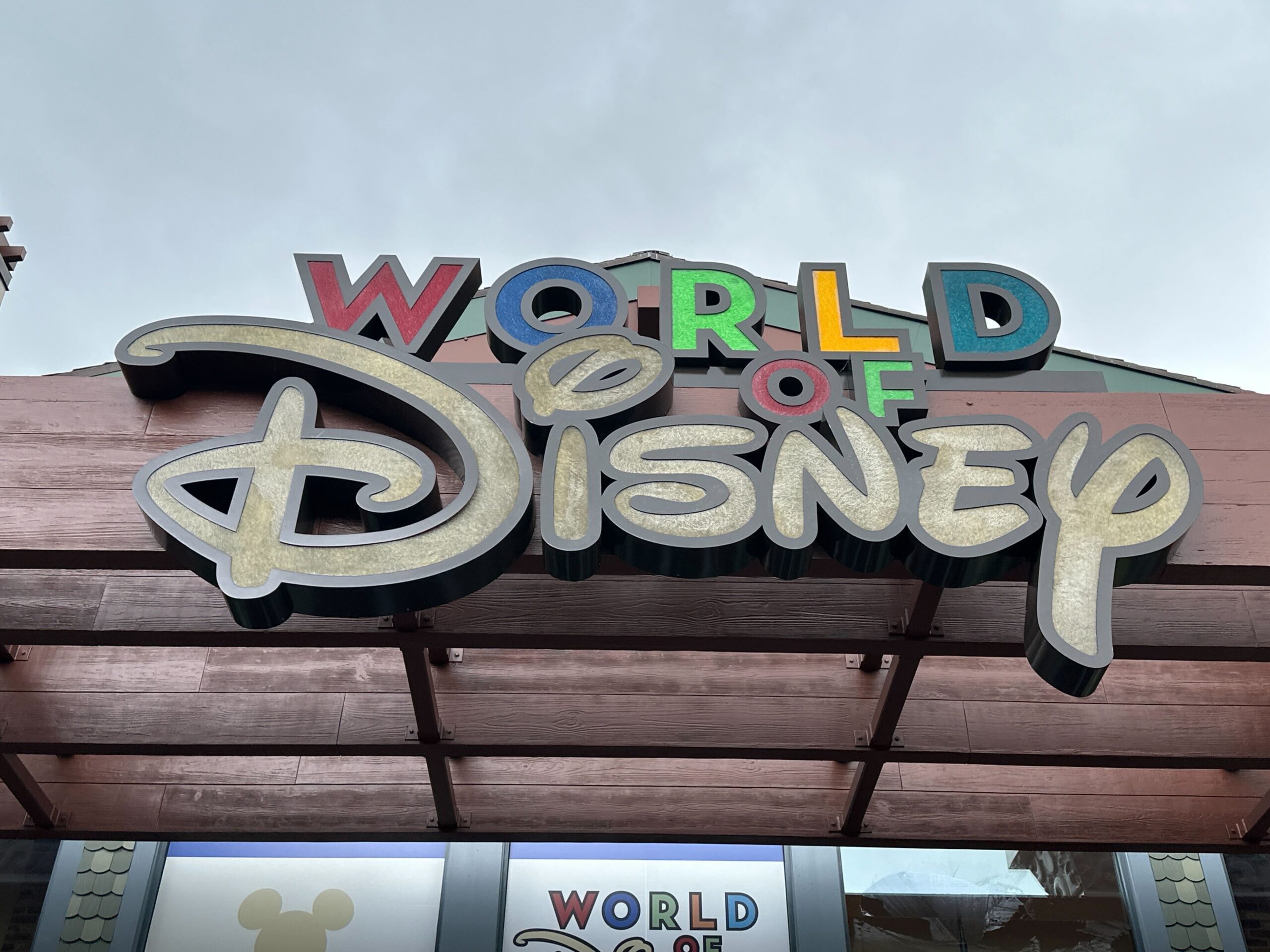
Walt Disney World’s “Find Merchandise” test that launched in My Disney Experience last November has expanded to all guests. While still in test mode, the feature lets guests check if an item is in stock at only World of Disney in Disney Springs.
Find Merchandise at Walt Disney World
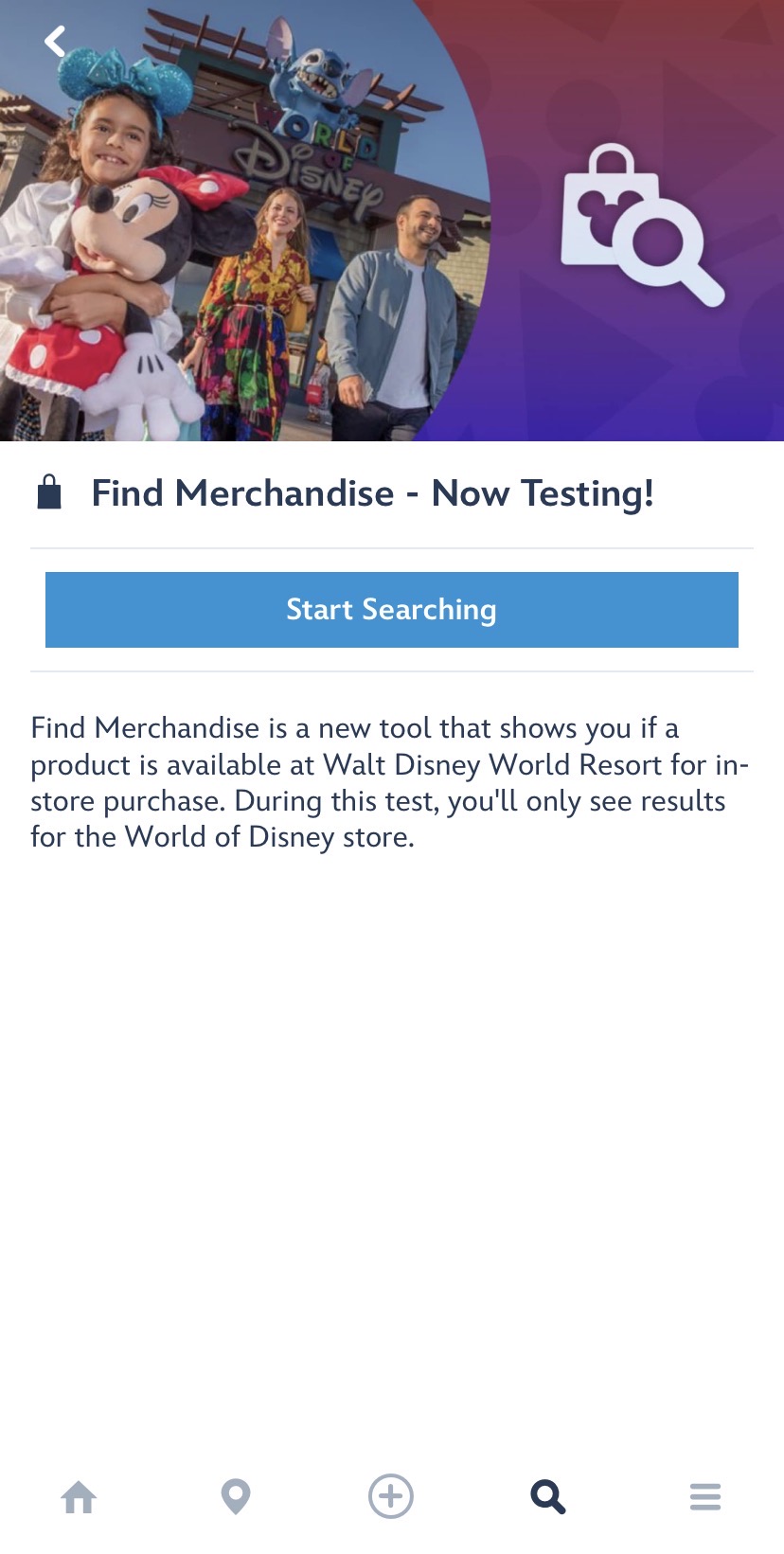
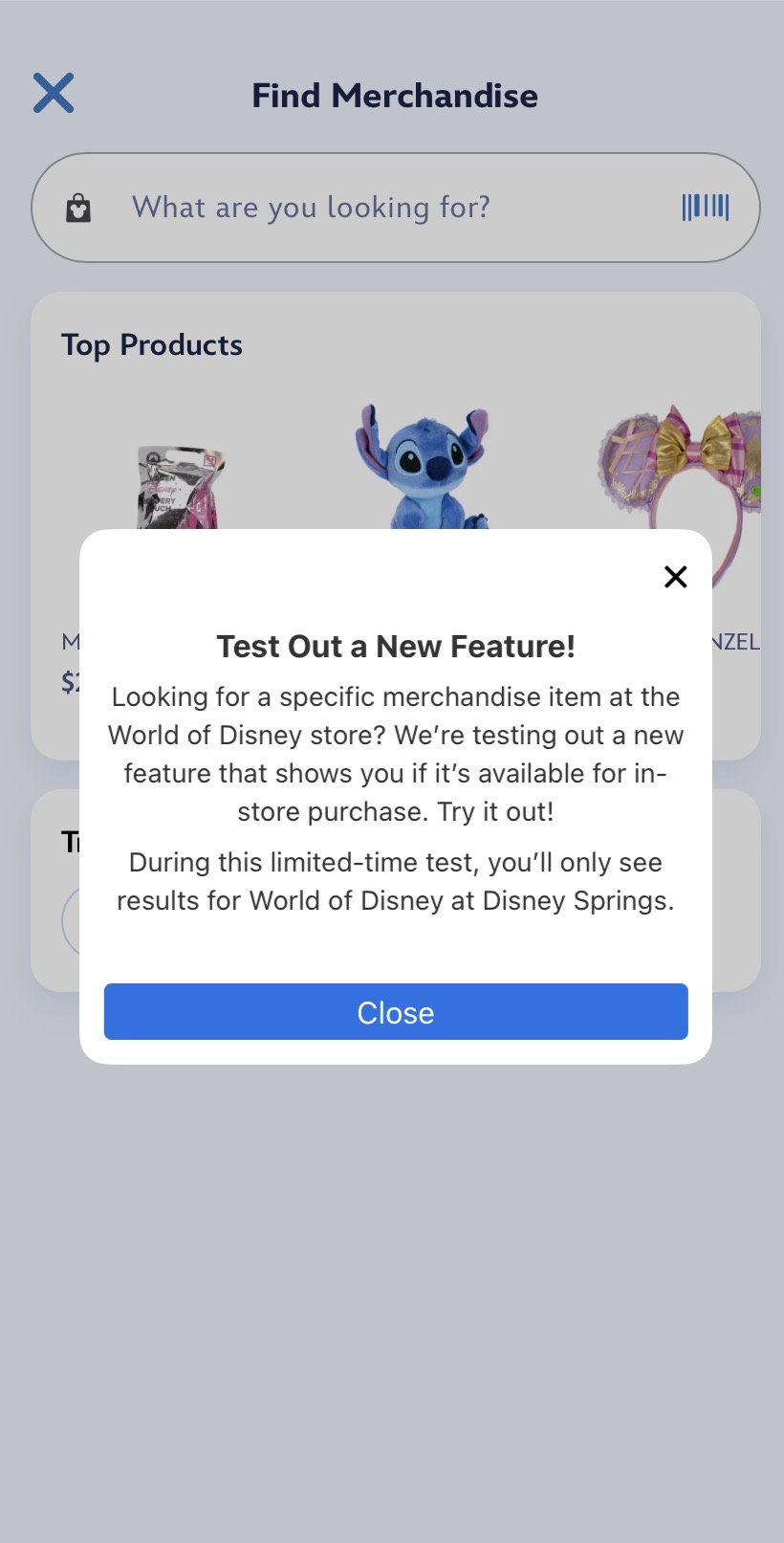
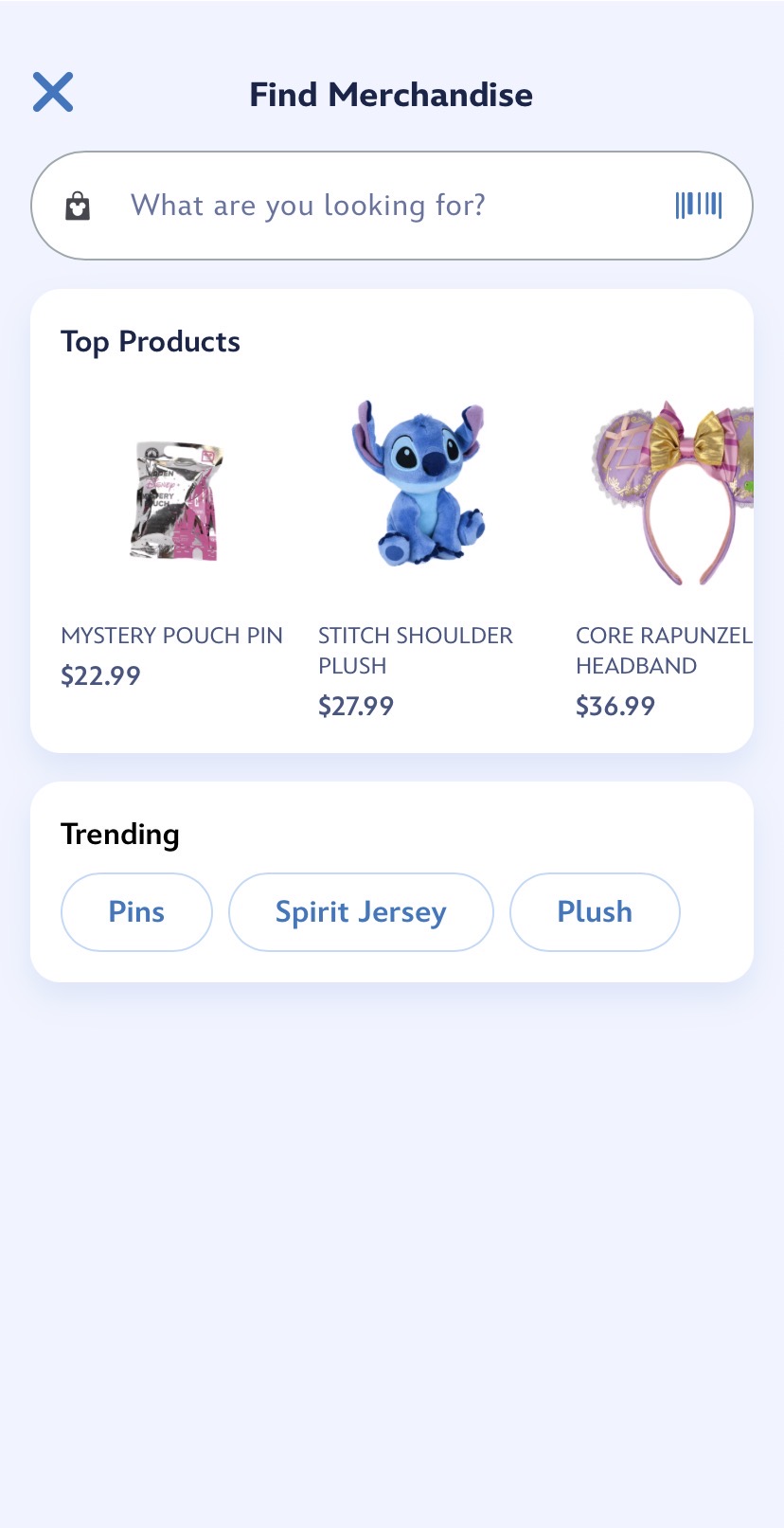
The feature is now searchable in the app rather than just accessible on the home page. Otherwise, it mostly functions the same as it continues testing. To search for merchandise, hit the “Start Searching” button on the “Find Merchandise” page. The first time you use the feature, you’ll get a pop-up reminding you it’s a test.
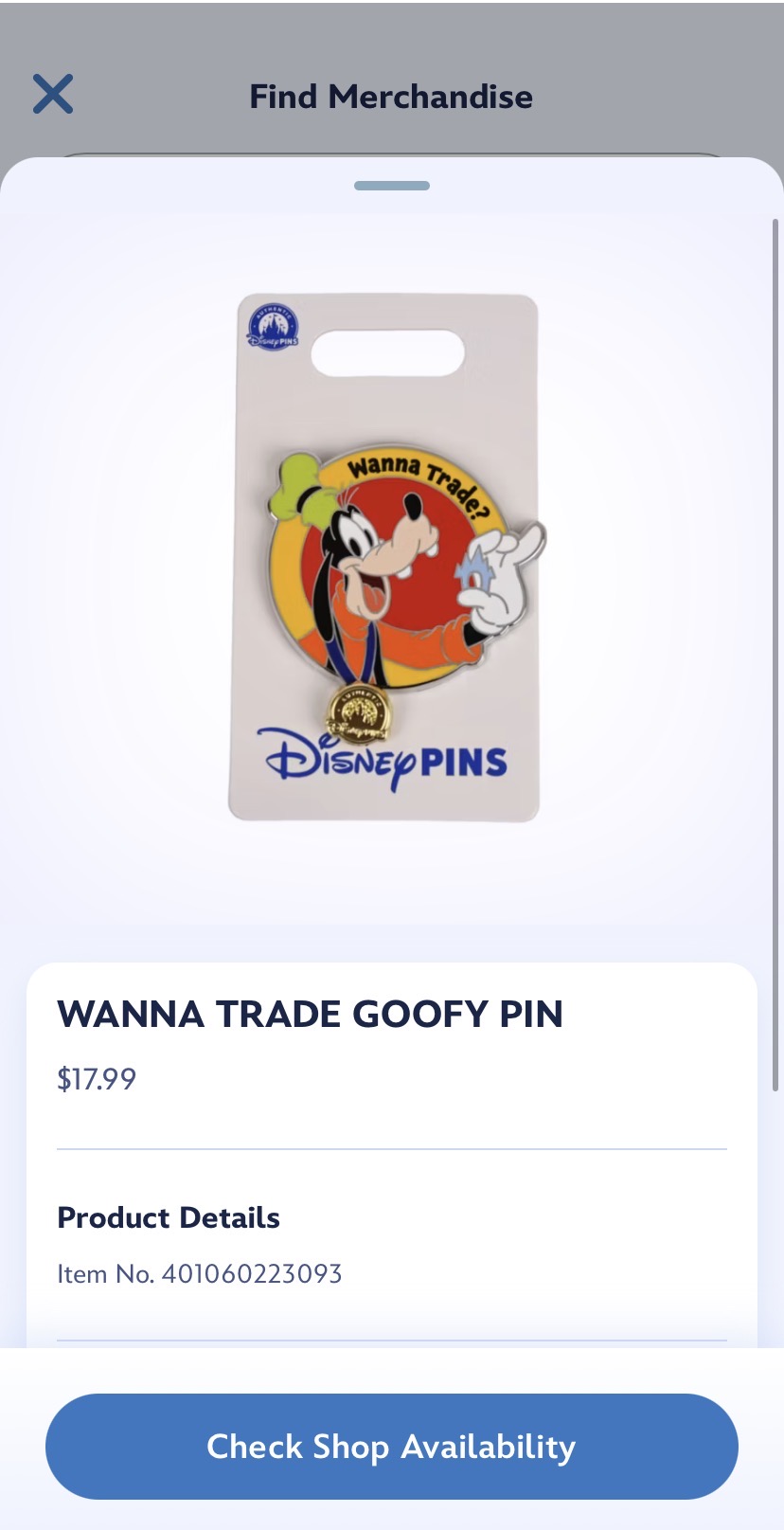
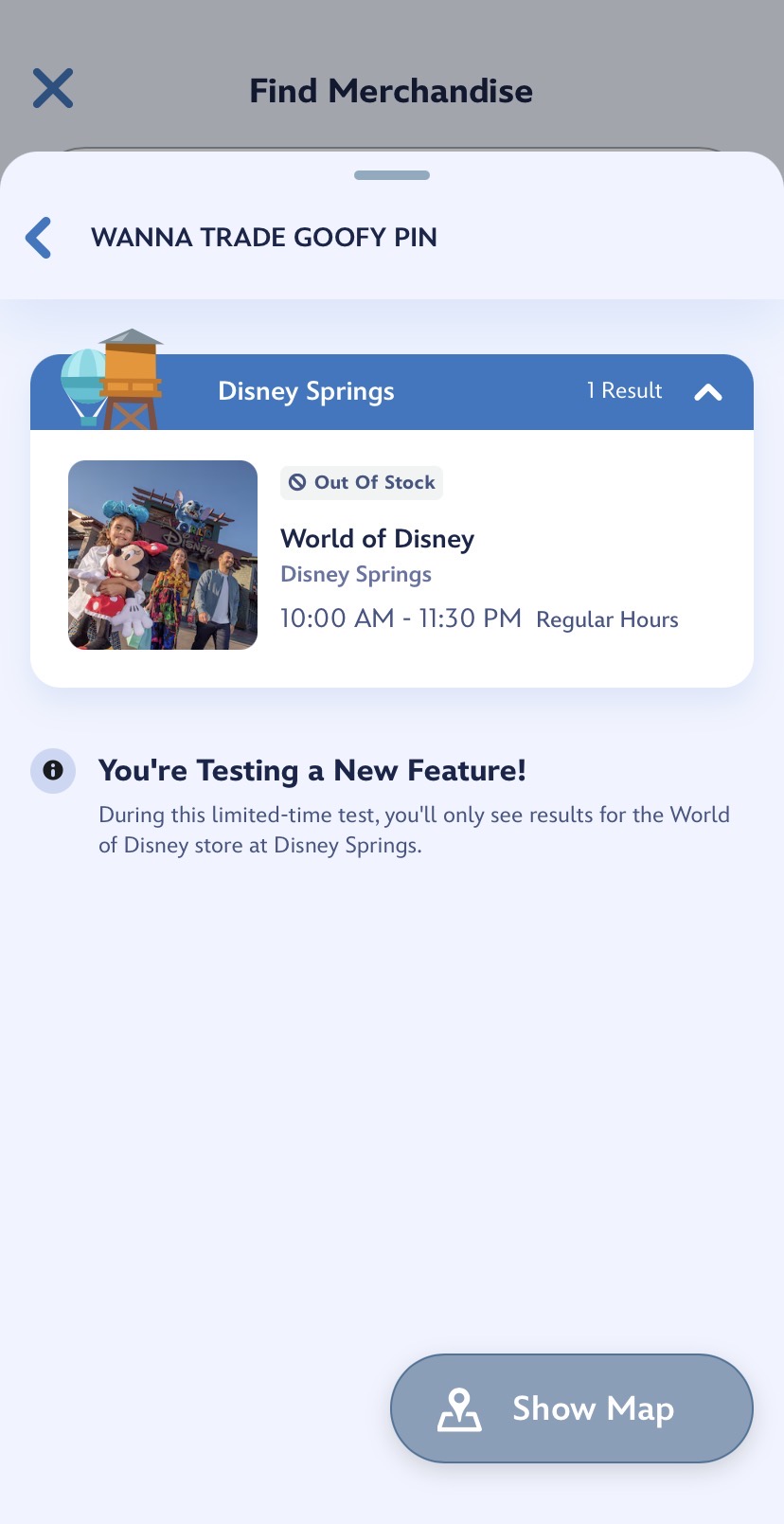
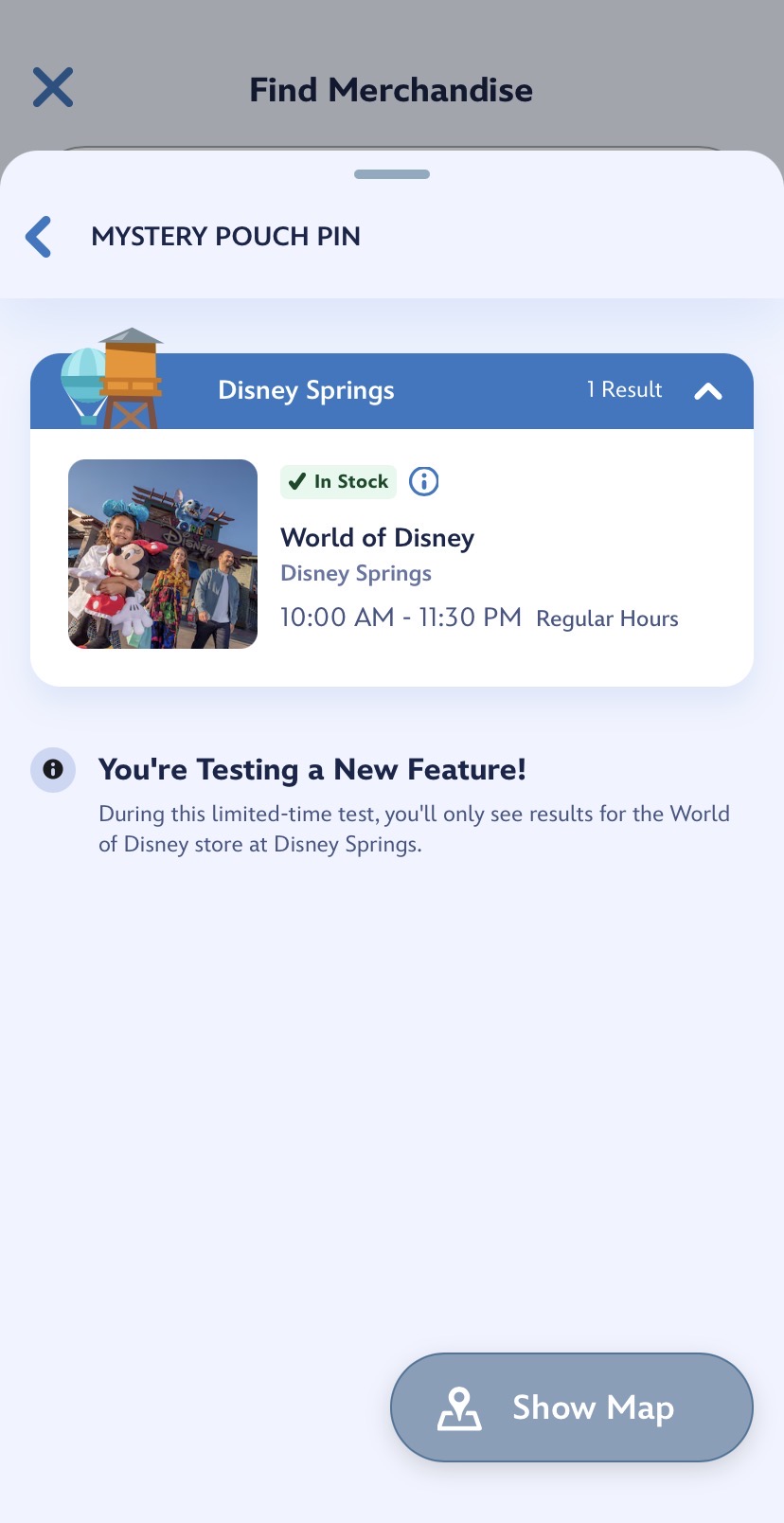
You can search for something specific, select one of the Top Products, or hit one of the Trending searches. On an item’s page, you’ll see the price and “Check Shop Availability.” Click on that to see whether the item is in stock at World of Disney.
Though the feature still only searches one store, it will hopefully expand to multiple locations later.
Many years ago, Walt Disney World had a similar feature available in conjunction with shopDisney/Disney Store. It ended, reportedly due to difficulties keeping track of stock, but it seems Disney has worked out the issues enough to try re-introducing the feature.
My Disney Experience updated several features earlier this year, including streamlining the resort check-in process and making park reservations bookable in the app. Most recently, an update allows Disney Gift Cards to be stored in MyDisney Wallet.
Are you excited about the “Find Merchandise” feature? Let us know on social media.
For the latest Disney Parks news and info, follow WDW News Today on Twitter, Facebook, and Instagram.